To register for your QR code, please follow these steps:
- Visit this link.
- Log in using your email address where you received this message.
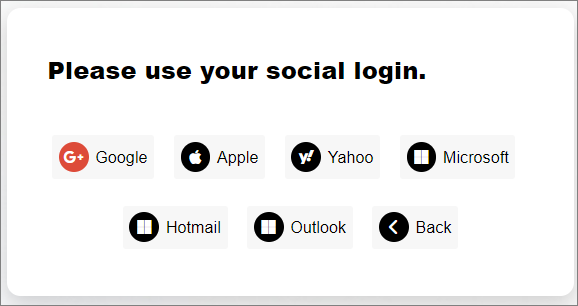
- Click "Add Visitors" button

- Enter the visitor's full name.
- Upload/capture an image of the visitor's National ID, front-side and back-side.
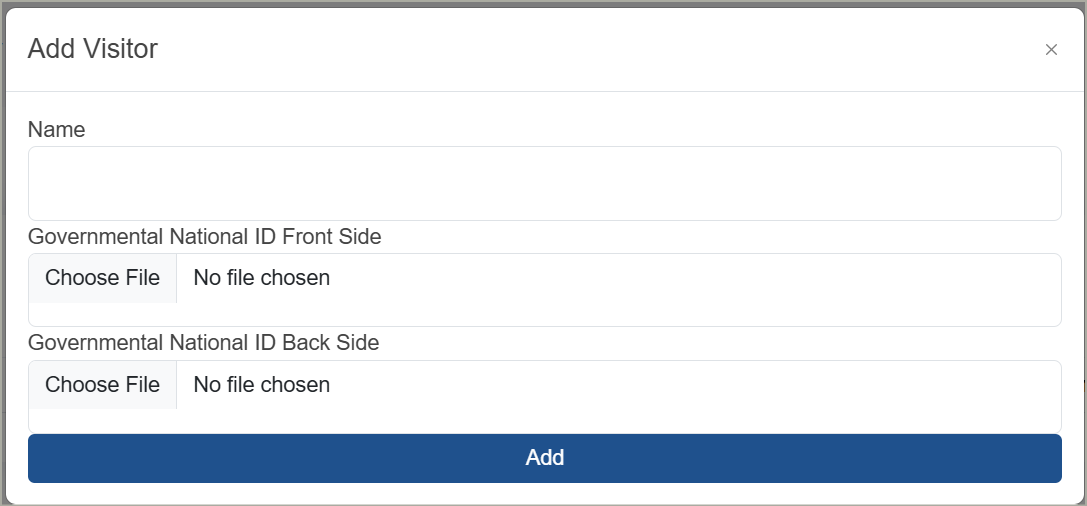
- Click "Add" button
- Click "Visitor QR Code" Button
- Click "Download" to save the QR code to your device, or Share to share it.
Important Info:- If you are already registered before, please Visit the link then proceed with step #7
Important Note:- Access to the event will NOT be allowed without a QR code.
Was this article helpful?
That’s Great!
Thank you for your feedback
Sorry! We couldn't be helpful
Thank you for your feedback
Feedback sent
We appreciate your effort and will try to fix the article